

Easily Track & Manage Time via the Internet
i-Timesheets - Compact Interface
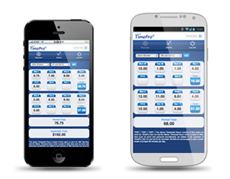
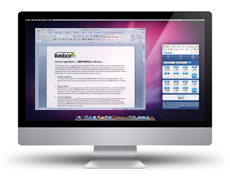
The Compact Interface provides users with a neat and compact entry interface for core time-entry activities. This serves two very good purposes:
|
 |
|
|
 |
|
Features
Compact Interface features include:
- Secure login
- Weekly and daily timesheet view
- Time and expense entry
- Time entry validation
- Timesheet submit
- Start/Stop time recording
- Maintain active session
- Colour schemes and themes
- Ability to quickly and easily switch between Compact and Desktop Interface
- Support for smartphones running industry standard web browsers
Access Details
Here are the methods available for accessing the Compact Interface:
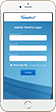
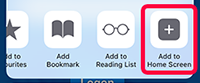
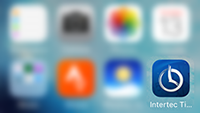
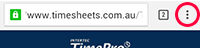
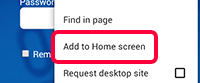
via Smartphone
Apple iOS
|
Android
|

via Desktop
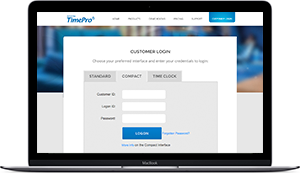
Click on the Customer Login option on the home page of our website. Choose the Compact tab and enter your login details.
URL: |
Switch View
Change your view from the Compact Interface to the Desktop Interface and visa-versa using the ‘Switch View’ button. The ‘Switch View’ button is available on the Timesheet View screen on both the Compact and Desktop Interface.
via Smartphone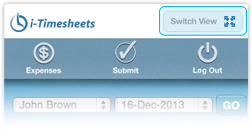 |
via Desktop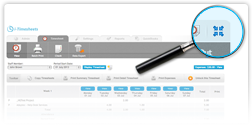 |
Want to know more?





Products


Features by Industry
Features that make i-Timesheets ideal for the following industries:
Trusted by